
Settings sections
This is a guide, not the contract. What the platform guarantees is specified under
openspec/specs/. For this page:ui-primitives. Where this page and a specification disagree, the specification is right, and that is a defect in this page: change the behaviour there, then explain it here.
Contribute a section to the host settings surface (opened via ctx.ui.openSettings()). Each control
owns its own storage: the host only reads value() and calls set(), so the platform never
persists your data.
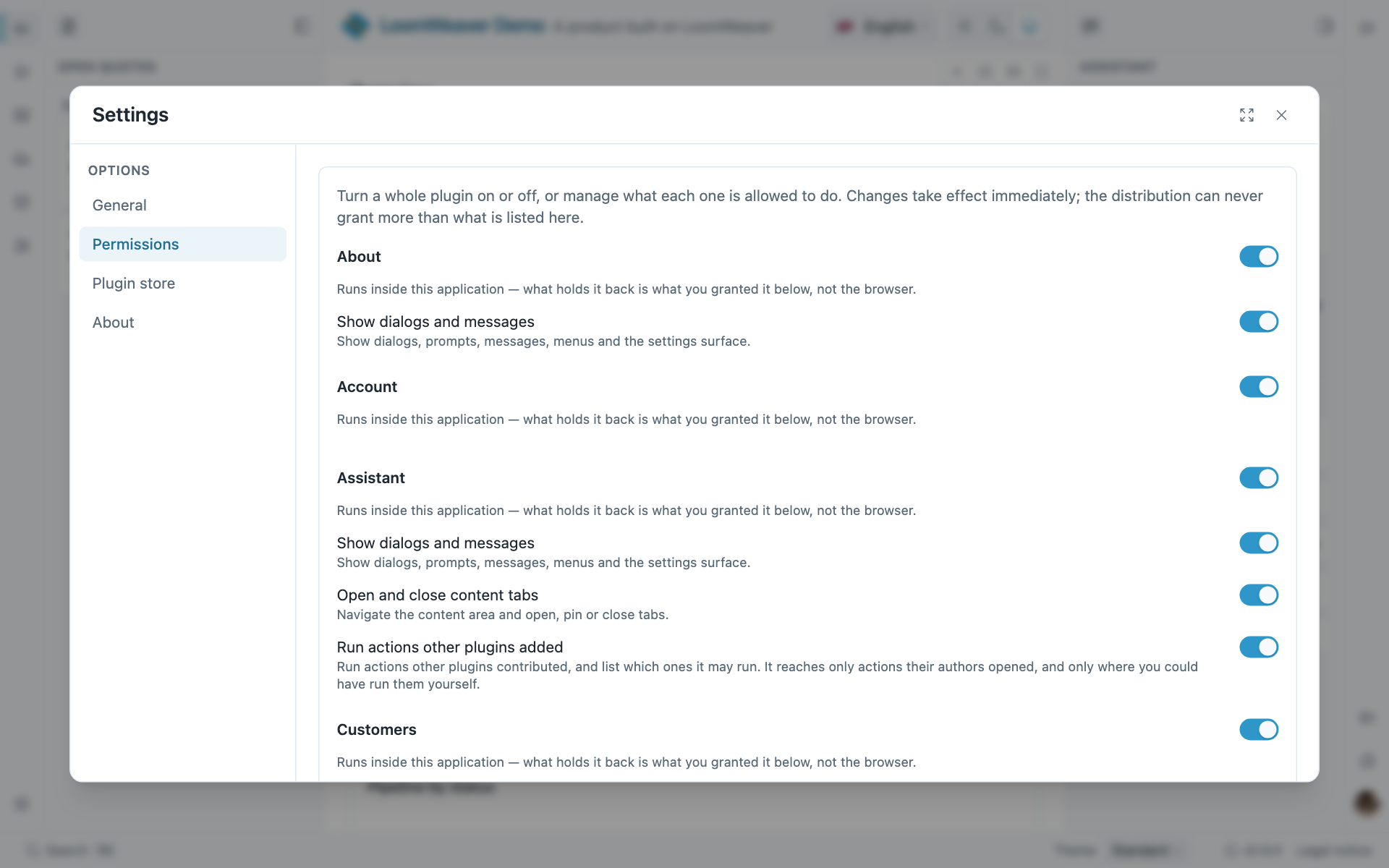
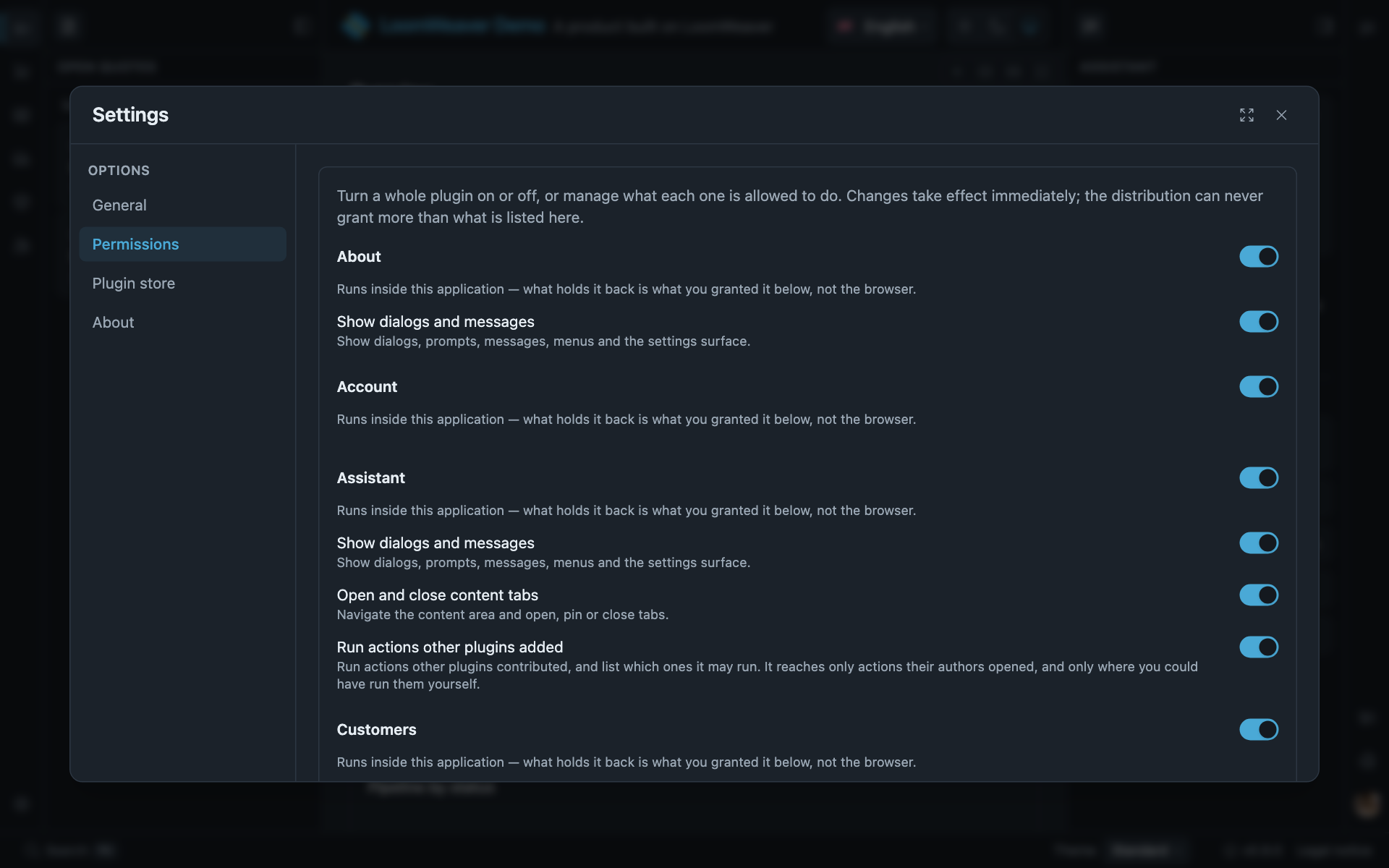
The dialog your section lands in, here on the shell’s own Permissions section. The navigation, the groups and the row controls are the host’s; a section registers its rows and the host paints them.
ctx.registerSettingsSection({ id: 'notes.settings', title: 'notes.name', group: 'settings.group.plugins', // left-nav group ("App plugins" — the plugins shipped with the app) order: 100, rows: [ { id: 'notes.sort', label: 'notes.sort.label', control: { kind: 'select', options: [{ value: 'az', label: 'notes.sort.az' }, { value: 'date', label: 'notes.sort.date' }], value: () => store.sort(), // a signal works directly set: (v) => store.setSort(v), // you decide how/where to persist } }, { id: 'notes.wrap', label: 'notes.wrap.label', control: { kind: 'toggle', value: () => store.wrap(), set: (v) => store.setWrap(v), } }, { id: 'notes.size', label: 'notes.size.label', control: { kind: 'slider', min: 12, max: 20, step: 1, value: () => store.size(), set: (v) => store.setSize(v), } }, { id: 'notes.about', label: 'notes.aboutRow', control: { kind: 'button', label: 'notes.about', run: () => ctx.ui.open(NotesAboutDialog, { data: ctx.host }), } }, ],});Control kinds: select (single choice), toggle (on/off), text (a string field, inputType?/
placeholder?), slider (a number, min/max/step), button (an action: inline run, or
command: '<id>' to reuse a registered command so the palette/keybindings share it), component
(embed your own widget). Each value control owns its value()/set().
A button row naming a command the session may not run is not drawn, and a section left empty by
that goes with it. Both appear again once the session qualifies, without a reload.
Where next
- Sandboxed surfaces: the data-only form a sandboxed plugin contributes over RPC.
- Your plugin’s own store: working state, which is not a setting.
- Recomposing host chrome: how a distribution curates what your section shows.