
Plugin store
This is a guide, not the contract. What the platform guarantees is specified under
openspec/specs/. For this page:plugin-store. Where this page and a specification disagree, the specification is right, and that is a defect in this page: change the behaviour there, then explain it here.
provideFramePlugins(...) composes sandboxed plugins at build time. On top of that, a distribution
can offer a plugin store: a curated catalogue of sandboxed plugins the user installs at runtime,
with no rebuild and no reload. This page is what you serve, what the store then shows, and how consent
and updates work.
// src/app/app.config.ts — in the providers arrayimport { providePluginCatalog } from '@loomweaver/shell';
// in providers, after provideShell():...providePluginCatalog('/plugins/catalog.json'),
Opening the store from your own control is PluginStoreService in the
the Distribution API.
The catalogue
The catalogue is a same-origin JSON array. Each entry (PluginCatalogEntry) is the installable part
plus display metadata for the store. The installable part is InstalledPlugin, the same shape
provideFramePlugins takes and the shape that is persisted once the user installs it:
[ { "id": "report-tool", "name": "Report tool", "author": "Jane Weaver", "category": "Productivity", "description": "Generates weekly reports.", "version": "1.0.0", "downloads": 12842, "updated": "2026-07-15", "repository": "https://github.com/acme/report-tool", "readmeUrl": "/report-tool/README.md", "iconUrl": "/report-tool/icon.svg", "entryUrl": "/report-tool/plugin.html", "capabilities": ["contributions", "ui"] }]Two optional fields the sample leaves out change who decides. Setting deployed: true makes the
entry active for every user without a consent dialog, on the operator’s authority
(The plugin system). The level field asks for the isolation level the entry runs
at, and the catalogue’s maxLevel caps what it may be given
(Frame plugins).
An entry’s id holds lower-case letters, digits, dots and hyphens, and starts with a letter or digit,
such as acme.report-tool. shell and everything under shell. belong to the workbench. An entry
outside that form is dropped, so it can neither take the place of the workbench’s own settings nor
share stored values with another plugin by the shape of its name. The install and update dialogs
name the level an entry runs at, and an update that raises it asks again.
iconUrl is a same-origin image the operator ships with the plugin (a not-yet-installed plugin
cannot contribute registry icons); category is your curated taxonomy; downloads/updated are
display-only operator stats. All metadata is parsed defensively: a foreign-origin
readmeUrl/iconUrl or a non-http repository is dropped, the entry stays.
Check the catalogue before you ship it. Everything below is parsed defensively: an unrecognised
field is skipped, a malformed one dropped, an entry without id or entryUrl discarded, all
silently, because a store that throws on one bad entry serves nobody. That makes a typo invisible
until a user notices something missing, so run the validator in the pipeline that publishes it:
npx @loomweaver/cli validate-catalog --file public/plugins/catalog.json --strictIt reports what the host will actually do: an unknown capability is filtered out and the plugin
then throws CapabilityError, and a missing version means the store can never offer an update.
--strict turns the warnings into a failing exit code. See
scaffolding.
Entry points
Providing a catalogue adds the store’s entry points. The first is a Plugin store settings section
(id setting:shell.pluginStore, omit-able) that shows the searchable installed-plugins list right
on the page next to a Browse button. Per plugin it offers two tooltipped icon actions, open its settings and
uninstall (the latter with a danger-toned confirmation), and the standard enable/disable switch.
That Browse button, and the palette command shell.openPluginStore, opens the store dialog, a
wide two-pane browse surface. Its searchable list matches name, author, category and description;
each card shows the plugin icon, name, author, category badge, download count, a relative
last-update time (“2 days ago”, localised), the short description and an Installed badge. Its
detail pane shows the metadata, a plain external repository link and the plugin’s README
rendered in-app. The README is fetched from the same-origin readmeUrl and sanitised: the detail
view renders the author’s text itself and never embeds a foreign page.
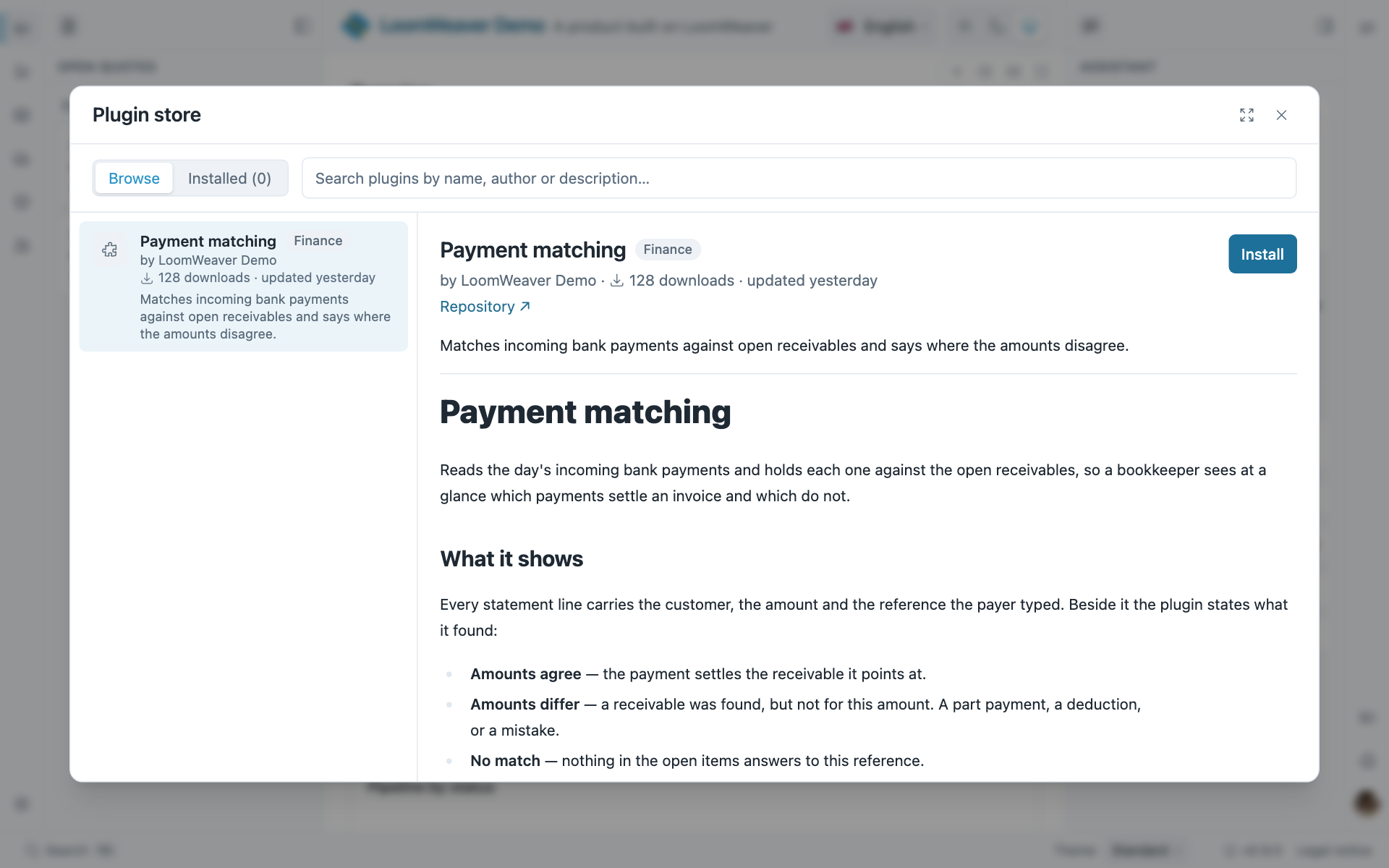
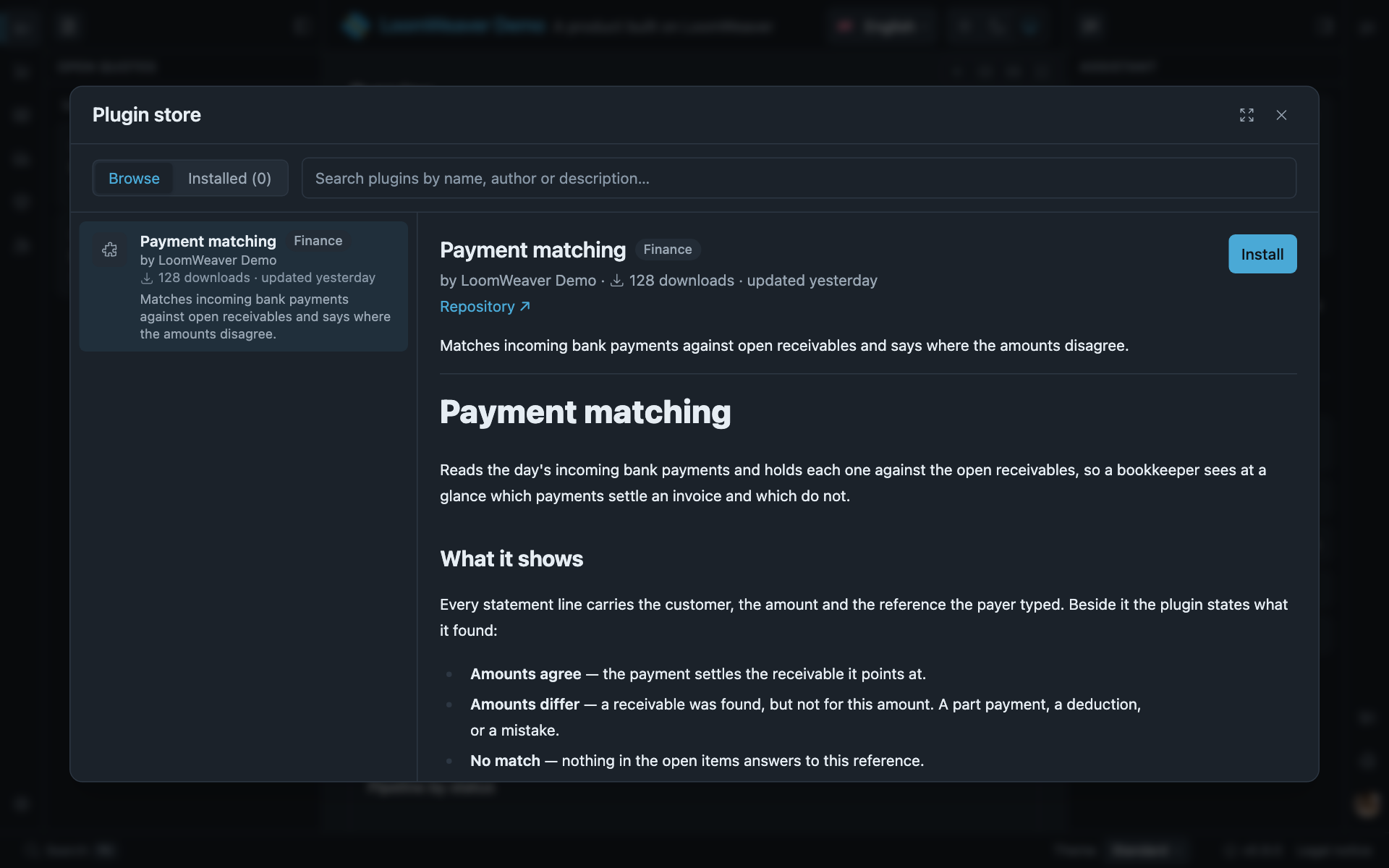
The store as the demo serves it: the catalogue’s cards on the left, the detail pane with the plugin’s own readme on the right. The catalogue is yours; the surface came with the shell.
A second, equally searchable Installed view manages what is installed. Per plugin it draws a row
of tooltipped icon actions (open its Community plugins settings section, enable or disable,
uninstall) plus an Update to vX.Y.Z button whenever the catalogue carries a newer version. The store is the
management surface for installed plugins; brand its title per product with
providePluginCatalog(source, { title: 'product.marketplace' }) (a Transloco key you own). Both the
settings dialog and the store dialog are near-full-height; the maximize control any dialog can offer
is in Dialogs and toasts.
Consent
Installing shows a consent dialog listing the declared capabilities, with the plugin’s description
and an icon. Accepting grants exactly that declaration. For installed plugins the user’s consent
therefore replaces the provideCapabilityGrants map; that map keeps governing your composed plugins.
Afterwards the normal lifecycle applies: installed plugins appear in the Permissions section like
every plugin (on/off toggle + capability switches), an install spawns the plugin immediately, and an
uninstall in the store unloads it live. The installed set persists through the
settings store: user-local by default, tenant- or server-held when your store
backend decides so.
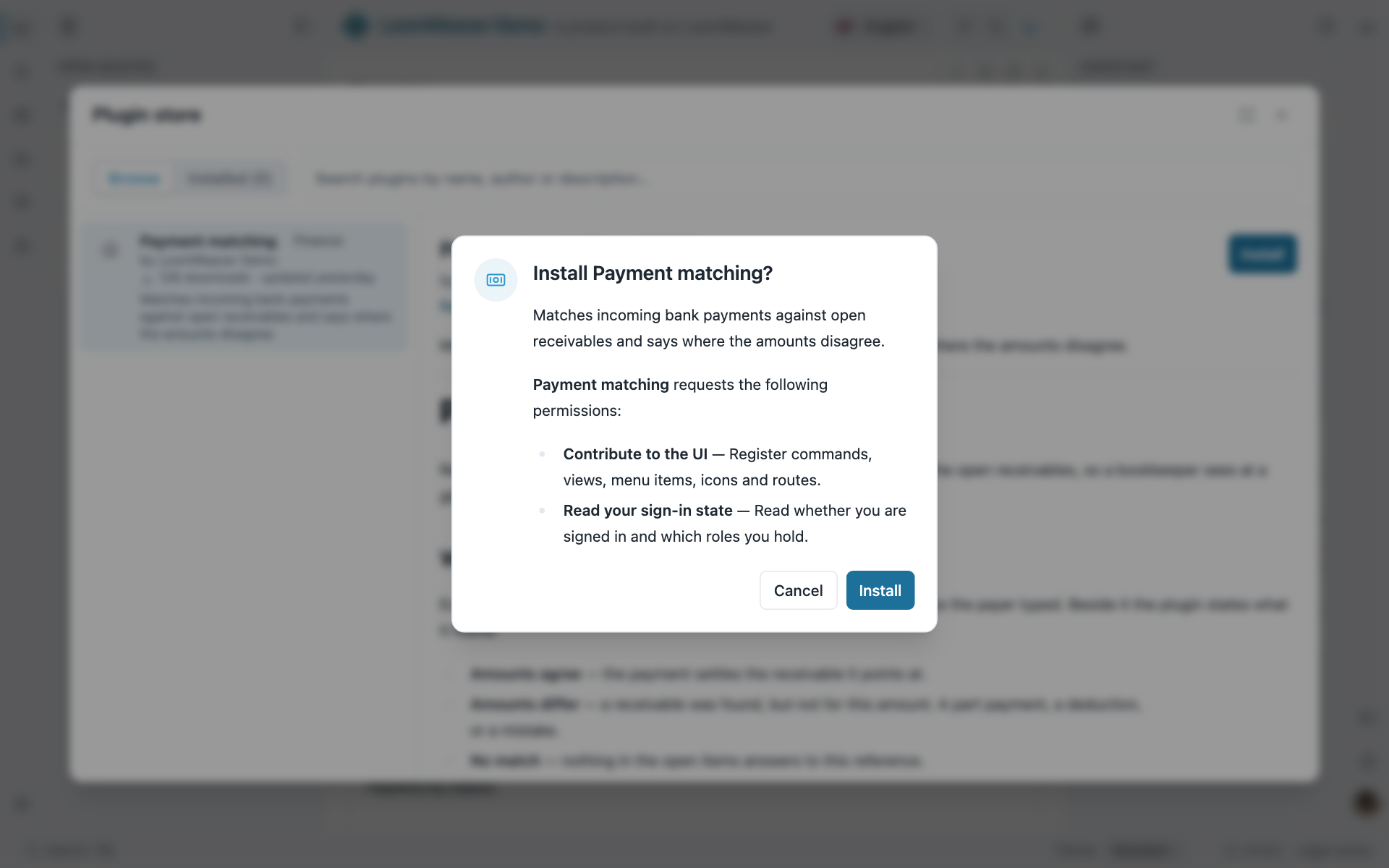
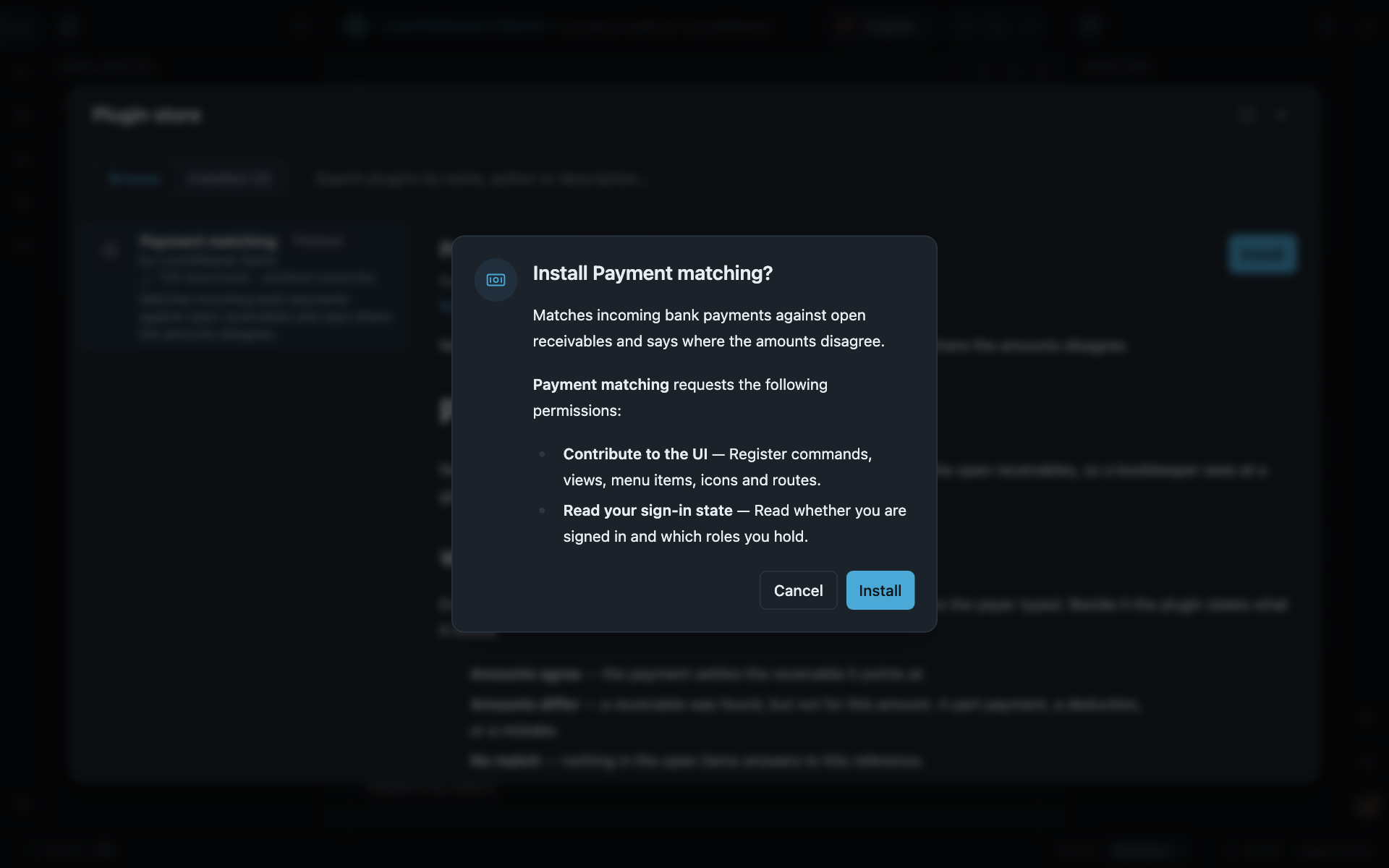
Before an install, the user sees every capability the plugin declared and answers once.
Updates
Updates ride on the catalogue’s version field. Raise it (together with the entry’s files) and
every installed user sees an Update available badge in the store list and an Update to vX.Y.Z
button in the detail pane and the installed list. Pressing it swaps the persisted entry and respawns
the plugin live, with no reload. The respawn re-creates the plugin’s iframe, so the browser re-fetches
the entry document under your cache headers: serve plugin files so they revalidate, or an updated
plugin can come back from cache as the old build.
Versions are compared segment by segment, numerically (1.10.0 beats 1.9.0; a pre-release suffix
is not ordered), and only a strictly newer version is offered, so pinning a catalogue back never nags
the user. If the new version declares capabilities the user never consented to, the update asks
again and lists exactly the added ones: the persisted entry is the grant for installed plugins, so
an update can never widen it silently. A version that asks for no more than before applies straight
away.
Settings by provenance
The settings nav separates plugin settings by provenance: sections your composed weavers register group under “App plugins” (they ship with the app), while an installed plugin that declares its own settings gets its own entry under a “Community plugins” group. The host stamps the group, a plugin cannot choose it, so a community plugin can never masquerade as part of the app.
Curation is yours
The curation is yours and happens before the frontend: whatever is not in the catalogue does not
exist for the shell. Everything stays same-origin: the catalogue URL, each entryUrl, and every
surface a plugin registers. The RPC seam enforces this. “Reviewing a plugin” therefore means you
copy its files into your own origin. That copy is the integrity boundary. Entries are parsed
defensively (junk shapes, foreign-origin URLs and unknown capability names are dropped), an installed
id can never shadow a composed plugin, and the persisted install set is re-validated on every load.
Per-tenant curation = your backend answering the catalogue request tenant-dependently; for a non-JSON
source, provide your own PluginCatalog implementation instead of a URL.
Where next
- Plugins at runtime:
PluginStoreService, and what the Permissions and store settings do, from your own code. - Frame plugins: the sandbox every installed plugin runs in, and the frame kit you serve for it.
- Capabilities: the grants that keep governing your composed plugins.