
Getting started
This is a guide, not the contract. What the platform guarantees is specified under
openspec/specs/. For this page:scaffolding·platform-composition. Where this page and a specification disagree, the specification is right, and that is a defect in this page: change the behaviour there, then explain it here.
A running product in one command: the LoomWeaver chrome, branded, with one plugin of your own already contributing to it. The live demo (opens in a new tab) runs the same shell, built the same way.
Prerequisites: Node 24 and an Angular 22 application, from the Angular CLI (
ng new) or inside an Nx workspace. The command below creates none; it takes the one you are in. Under Nx it runs the Nx generators, so the plugin becomes a registered project, and where the workspace has more than one application it asks you to name one with--app.
The command
ng new my-studio --style=css --ssr=false && cd my-studionpx @loomweaver/cli initnpm startng new my-studio --style=css --ssr=false && cd my-studiopnpm dlx @loomweaver/cli initpnpm startng new my-studio --style=css --ssr=false && cd my-studioyarn dlx @loomweaver/cli inityarn startng new my-studio --style=css --ssr=false && cd my-studiobunx @loomweaver/cli initbun start--ssr=false because the shell is a client-rendered application chrome; a workspace with SSR
switched on needs one line, not a rewrite.
init reads your package manager off the lockfile, installs the platform, scaffolds the
distribution and a first weaver called notes, wires the build, and ends by naming the command
that serves the result. It asks nothing. --title, --styles precompiled, --weaver <id> and
--no-weaver change its defaults, --dry-run shows the plan and touches nothing, and running it a
second time changes nothing. Scaffolding has every option.
What you see
You get the branded chrome: a top bar with your name, logo and the theme and language controls, a
rail on the left with your weaver’s icon in it, and a collapsible sidebar on each side. Click
that icon and the app navigates to /notes, where your surface fills the content area.
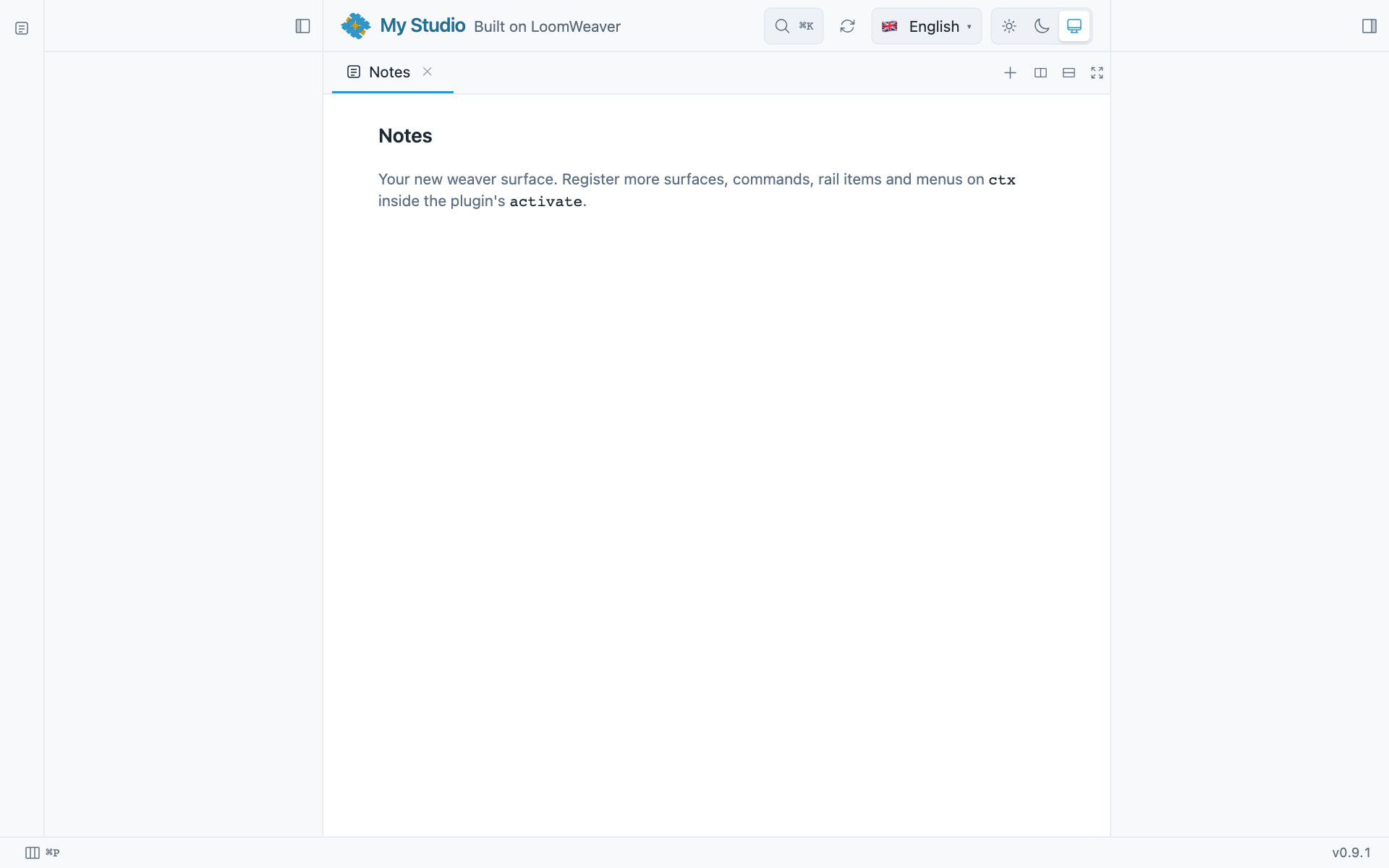
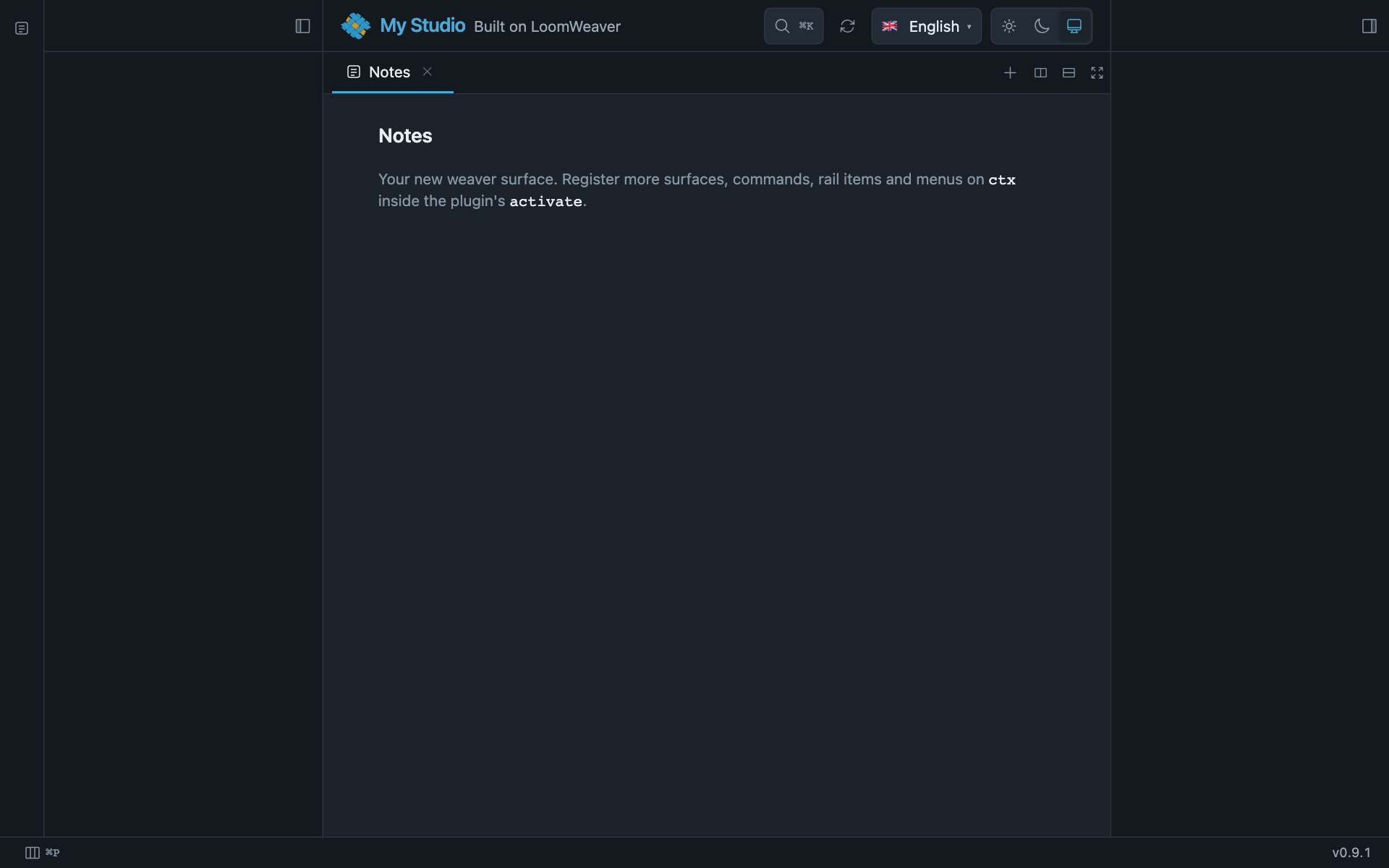
That icon in the rail is the whole point: the platform drew every piece of chrome around it, and your plugin only declared what it wanted to contribute.
Navigating there opens a tab, so the pane draws a tab strip above your surface, as it does for every routable surface (The content area).
One thing is deliberately empty, and it names the next thing to build: the home route renders
nothing, because no surface claims / yet.
The status bar along the bottom shows the running version, which the shell contributes itself. To put
something of your own there, scaffold a weaver with --bar-item or copy one behaviour, many
triggers.
mod+shift+n fires the command the scaffold registered, which raises a toast: a placeholder action
on a real shortcut, there to be replaced. Write chords with the mod token rather than cmd or
ctrl; the host binds and displays it per platform.
Two shortcuts are the shell’s own and work from this first run: mod+k opens the command
search, mod+p the search over everything you have open. The scaffold put both on screen as
badges that print their own chord, two lines in your app.config.ts and yours to move or delete;
LOOMWEAVER.md says how.
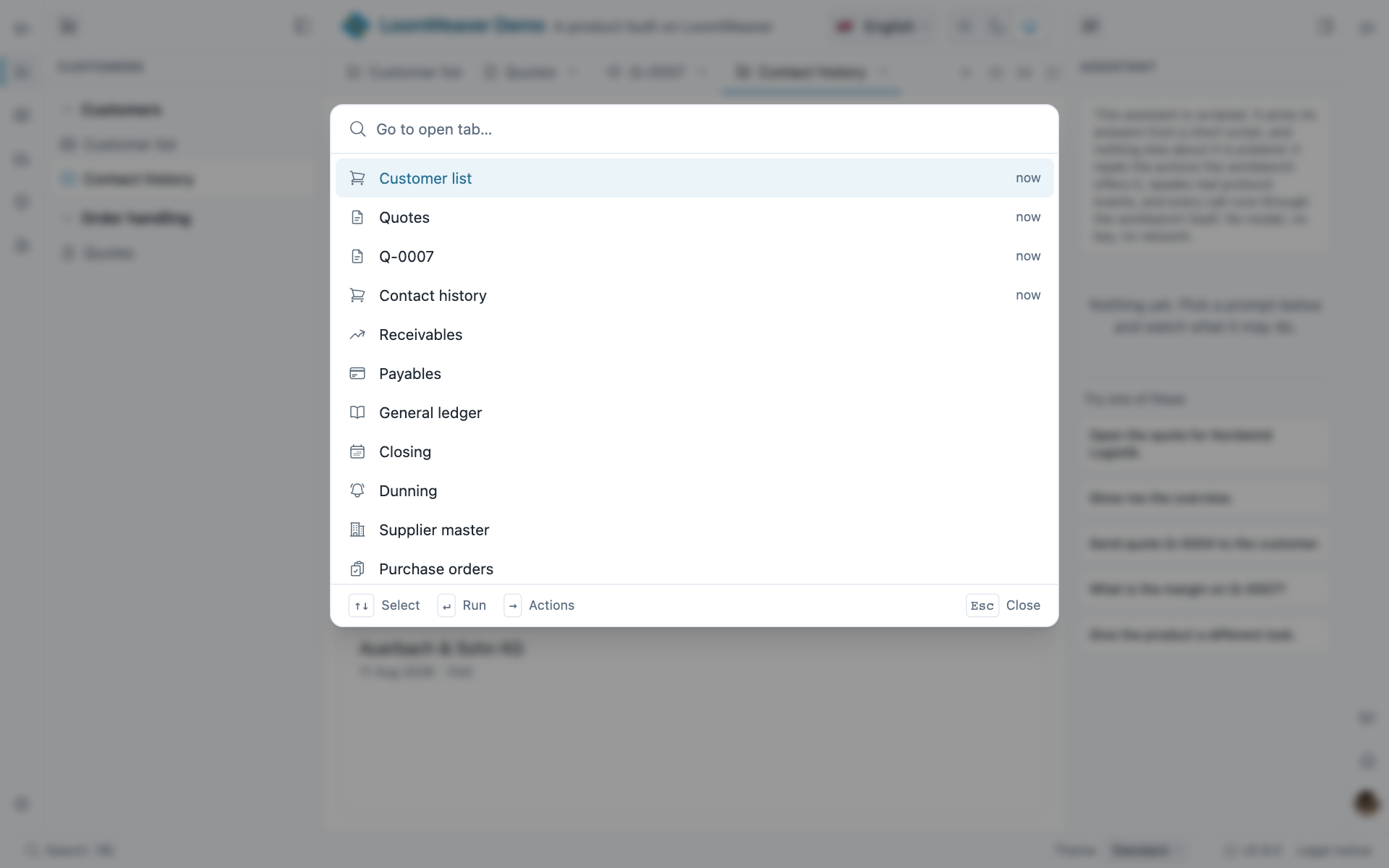
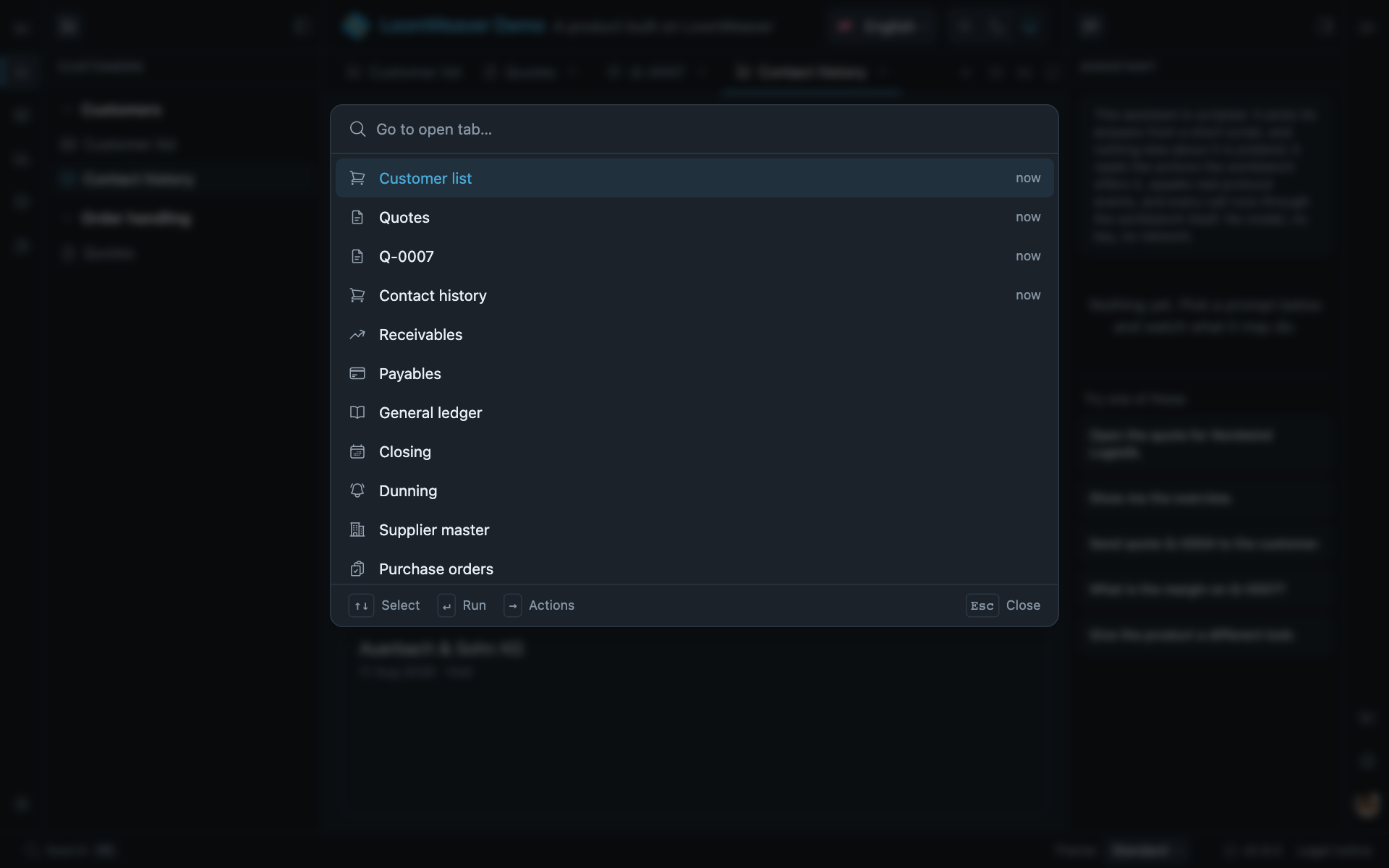
mod+p in the demo: the open tabs first, marked now, and below them everything else the product
can open.
What init wrote
Nothing here needs doing; it is worth knowing, and every line links to where it is explained. The run itself names each file it wrote and each line it added.
Packages. The runtime packages Manual setup → Install lists,
with the service worker pinned to the Angular version you have, and why that pin matters. Tailwind
and its PostCSS plugin come as dev dependencies, unless you chose --styles precompiled.
The distribution, twelve files, none of yours deleted:
src/main.ts bootstraps App with appConfig (Angular's own shape)src/app/app.config.ts ← everything your product is made of lives heresrc/app/app.config.spec.tssrc/app/app.ts renders <lw-shell /> inside <app-root>src/app/app.htmlsrc/app/app.spec.ts boots the shell with this composition root, so ng test is greensrc/index.html title, CSP, manifest linksrc/styles.css Tailwind + the LoomWeaver themengsw-config.jsonpublic/logo.svg placeholder mark, so the top bar has something to showpublic/manifest.webmanifestLOOMWEAVER.md what was written, and the little that is still yoursSeven of them replace what ng new had just produced; all seven are bootstrap wiring. Your
README.md stays yours, because the scaffold keeps its own notes in LOOMWEAVER.md.
The weaver, eight files under src/notes/: a manifest, a routable surface, a rail item, a
command on mod+shift+n, both translation bundles, a starter test and a README, with the
capabilities it needs already declared.
The wiring. .postcssrc.json beside your package.json, so Tailwind runs at all; without it
the chrome renders unstyled while the build reports success (Styles).
In angular.json, the stylesheet, three asset globs (your public/, the shell’s own strings, the
frame kit for sandboxed plugins) and the service worker in the production configuration. There too,
inlineCritical: false, which is not optional: the generated index.html ships a strict
script-src 'self' that blocks Angular’s inline critical-CSS handler, and the app would render
unstyled in production builds alone (PWA and delivery). The initial bundle
budget is raised, because a fresh workspace carries one sized for an empty application. In
src/app/app.config.ts, one import and three lines register the weaver:
provideTranslationNamespaces('notes'),provideCapabilityGrants({ notes: ['contributions', 'ui', 'navigation'] }),...providePlugins(notesPlugin),The grants are exactly what the weaver’s manifest declares, because the broker is default-deny: an
ungranted plugin throws CapabilityError rather than quietly doing less. The scaffold composes into
the root only while it still presents the shape the distribution scaffold generated; once you have
reshaped it, it prints these lines and says the plugin was not registered.
Every amendment only adds. A setting you had already made is left as you made it, which is why
init can run twice without changing anything.
Tidy up
Two files from ng new are now unreferenced: src/app/app.routes.ts and src/app/app.css. The
shell owns content routing, and Routing shows that the router itself is
unchanged. The starter test src/app/app.spec.ts was replaced by one that boots the shell with your
composition root’s providers. Beside it, app.config.spec.ts tests something worth testing without
mounting anything: that the layout still declares the region ids your contributions target.
ng test is green as generated.
The logo at public/logo.svg is the LoomWeaver mark, there so the top bar renders something from the
first run; replace it with your own square image whenever you like. It is the app icon too. Until you
add a 192 and a 512 raster icon, the browser does not offer installation: see
PWA and delivery.
Next:
- Samples: complete, copyable recipes for the things you will build next.
- Authoring a weaver: the full contract behind what you just scaffolded.
- Manual setup: the same app wired by hand, step by step, if you want to see every seam; Scaffolding is each generator on its own, with its options.
- Building with an AI assistant: the same path with an assistant doing the typing from the first weaver on.