
Workspaces
This is a guide, not the contract. What the platform guarantees is specified under
openspec/specs/. For this page:workspaces. Where this page and a specification disagree, the specification is right, and that is a defect in this page: change the behaviour there, then explain it here.
This page explains what a workspace is and why rearranging the workbench is safe. The how-to pages linked at the end show the code.
A whole way of working
A workspace is not a saved layout file. It is which panes exist, what is open in them, which views are in the sidebars and which are hidden: a whole way of working, named. Exactly one is active at a time. It remembers what the user does to it, so leaving and coming back finds everything where it was left, and switching to another restores that one’s own arrangement without asking anything.
The baseline
Every workspace has a baseline, the arrangement it started from. Reset returns to it. That is what makes experimenting with the arrangement safe: nothing the user does to a workspace is more than one reset away from its baseline. That is how the workspace was declared or first saved, until the user makes the current arrangement the new baseline.
A reset destroys hidden work, so it asks the unsaved-work question first, like every other action that would (Retention and unsaved work).
Two origins
A distribution ships workspaces with provideWorkspaces: a definition names the sidebar views and a
nested content area of tabs, rows and columns, and a rail item can put one a click away. A workspace
whose declaration the running product can no longer satisfy, because a plugin is gone, is marked
rather than silently emptied.
The workbench brings one workspace of its own, Default, which starts empty. A distribution that declares where the application opens makes that workspace the default instead. Default is then not offered at all, so nobody lands in an empty workbench that shows none of the product.
The user saves their own. A saved workspace has no icon to declare, so the workbench derives a two-letter badge from its name, and only a colliding newcomer steps aside, so no existing badge is ever renamed.
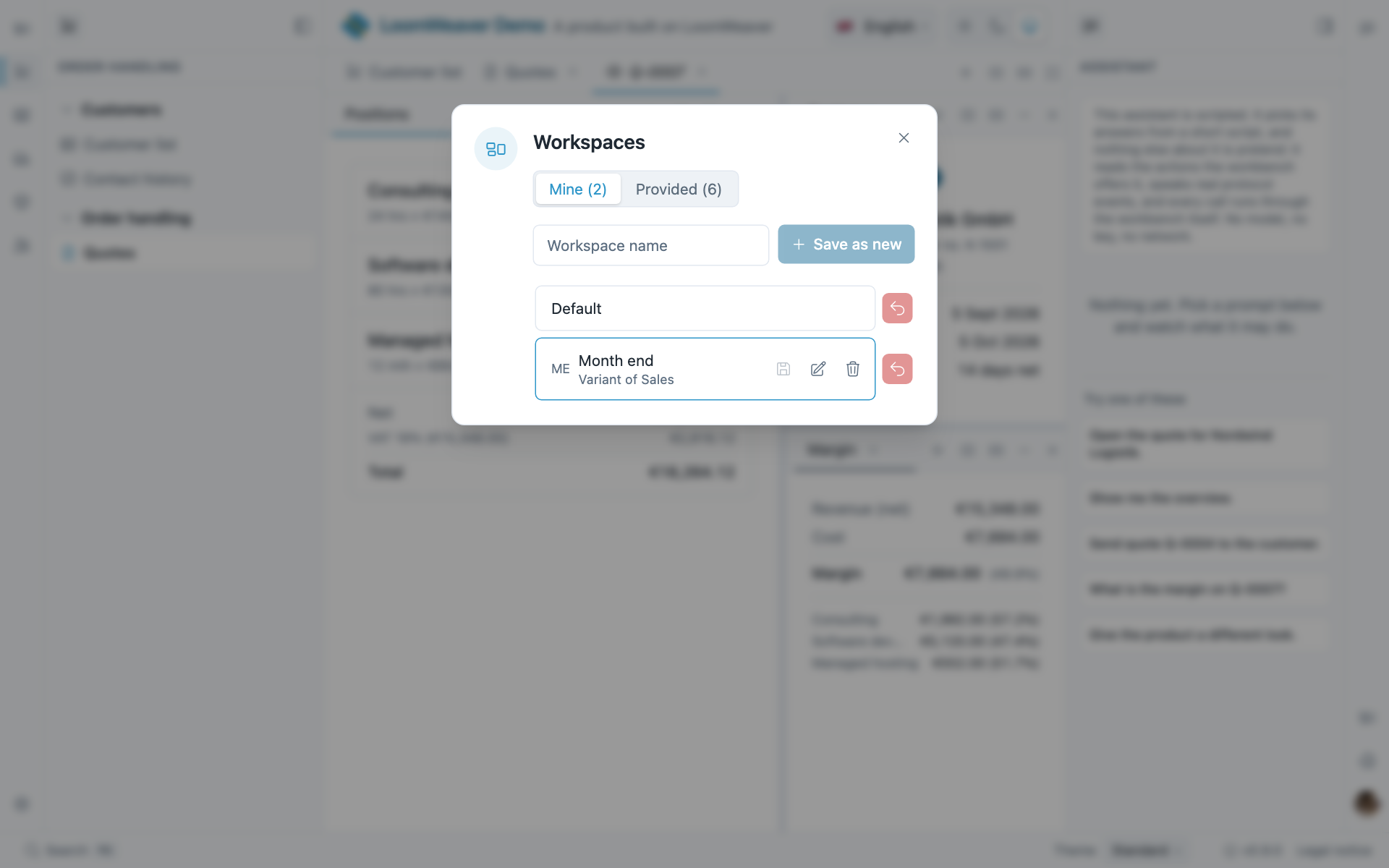
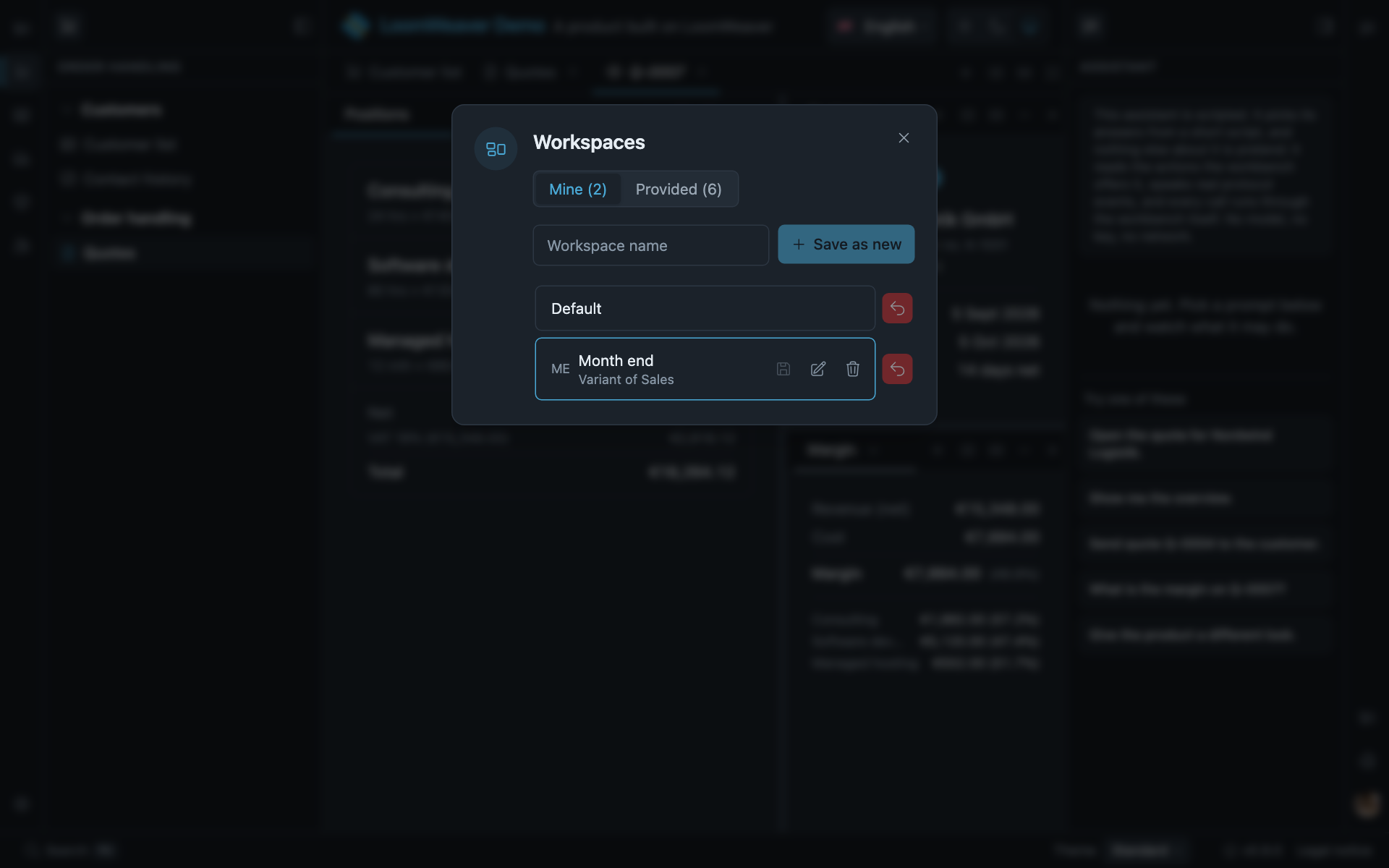
The two origins in one dialog: what the demo provides sits under Provided, what the user saved under Mine, where Month end remembers it was derived from Sales.
A workspace in a tab
A container is the same idea one level down: an arrangement of child surfaces that belongs to one item the user picked, opened, moved and closed as a unit. See Containers.
Where to act on it
- Workspaces a product ships: declaring them.
- Resetting the arrangement: the reset control and what it asks.
- Workspaces and Resetting: switching, saving and resetting from a distribution’s own code.